Where can I access CapitalStack events?
Last updated September 14, 2026
Sign in at capitalstack.thesisdriven.com and open Media in the top menu.

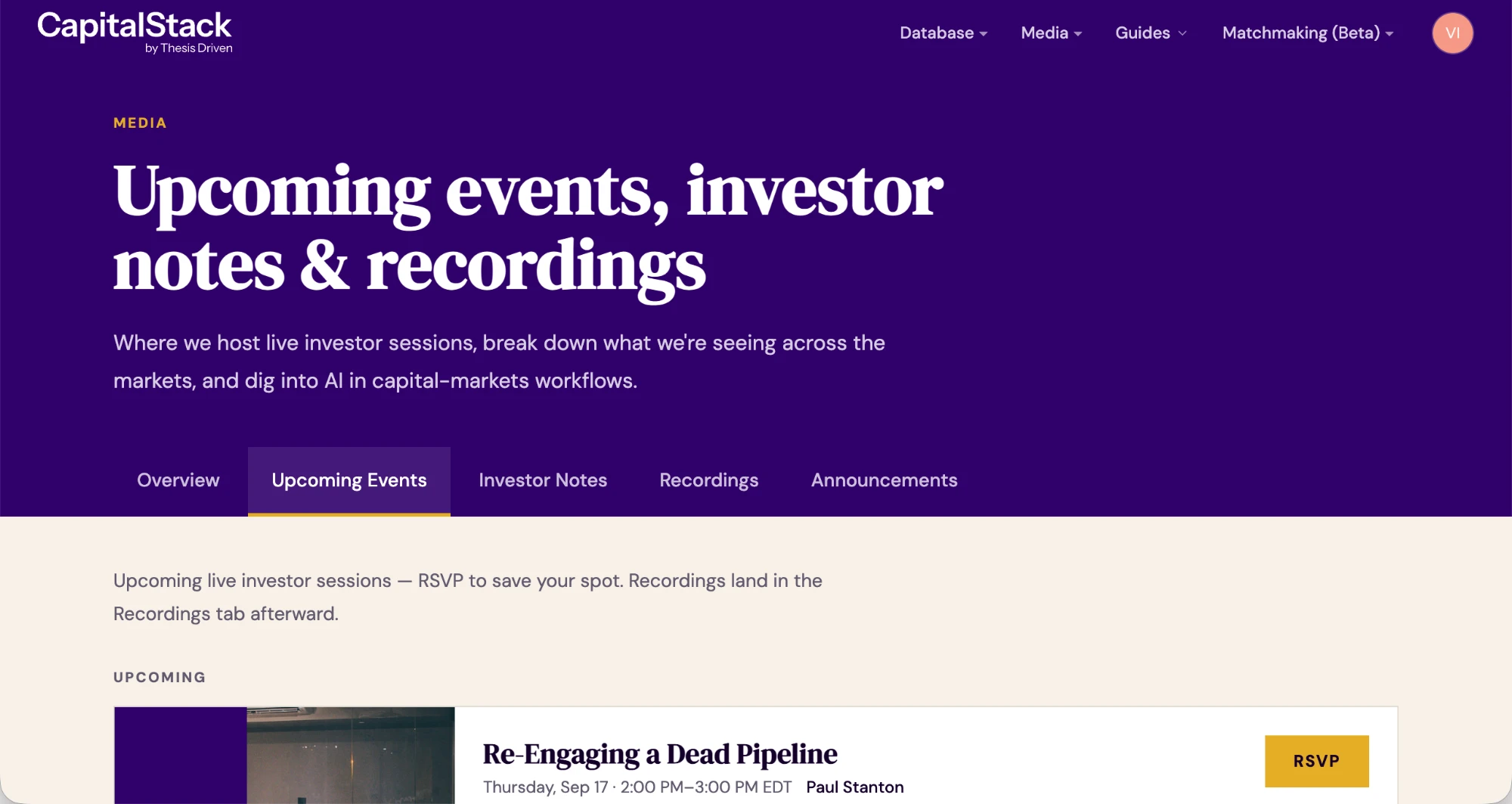
For sessions coming up, select Upcoming Events and RSVP to save your spot. Once you RSVP, we email you the joining link and a reminder before the session starts.
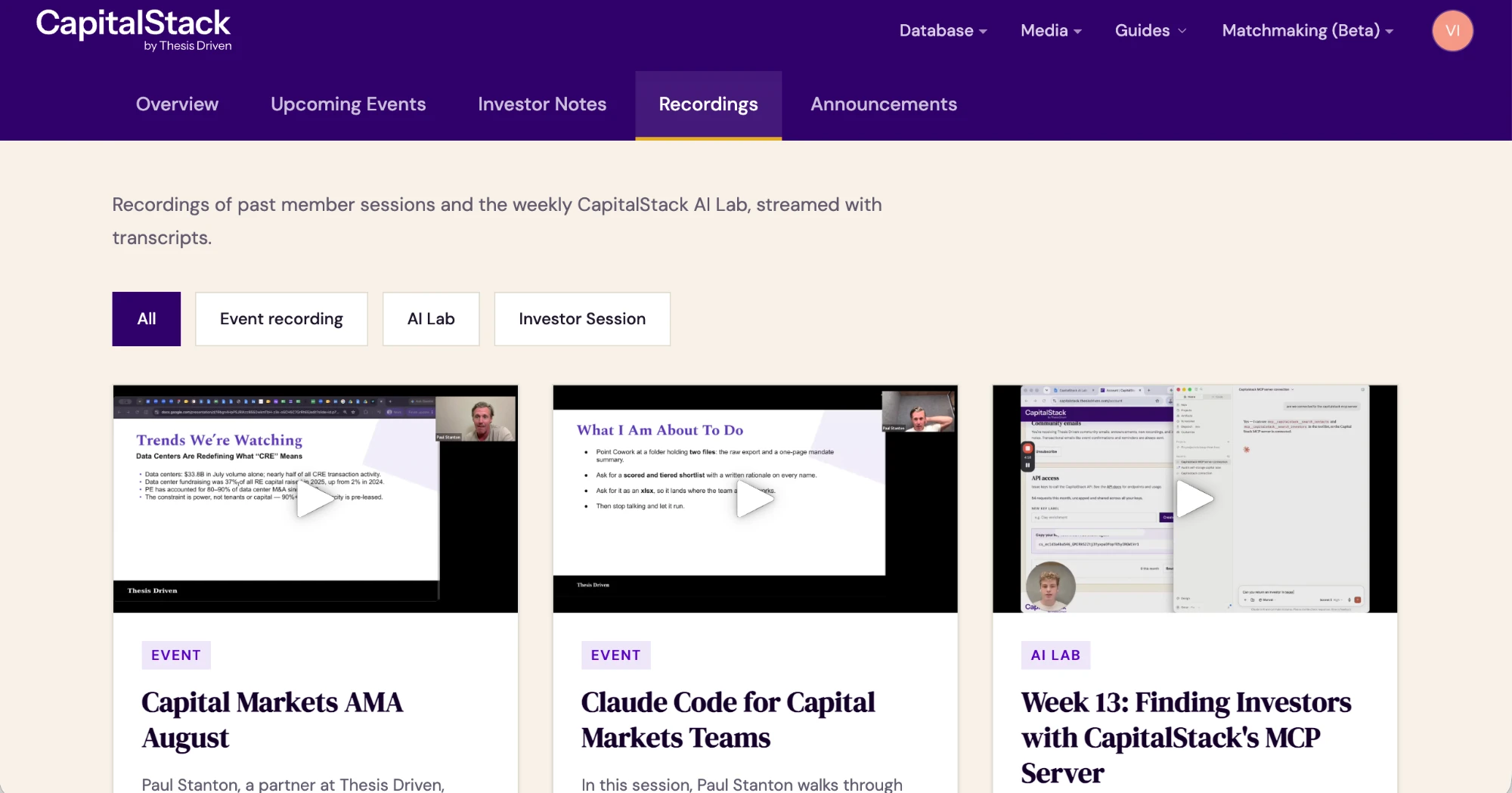
For sessions that have already happened, select Recordings. We add each one there after the session, with a transcript.
You'll also find Investor Notes and Announcements under the same menu, where our team publishes between sessions.
You don't need a separate account or an invitation. Just sign in with your CapitalStack login.
If you RSVP'd and can't find the email, check your spam folder first. If it isn't there, email hello@thesisdriven.com and we'll resend it.
More in LP Database
Still need help?
Email us and we’ll get back to you within one business day.